
- Add an EPFL Memento block.
- In the right column, make sure that the Block tab is active, if not, click on it.
- From the drop-down menu, select the desired memento.
The menu being quite long, you can also click on the menu then type the first letters of the desired memento to get there faster. - Inactive memento channels no longer appear in this list. A channel is considered inactive if the last event ended more than 2 years ago.
- From the drop-down menu, select the desired memento.
- Select a display template. Note: the display does not change in edit mode.
- Select the number of events : Choose the number of events to display either by indicating a value (10 by default) or by sliding the cursor along the bar.
- Select the language of the events.
- Period: Specify whether you want to display past or future events.
- [Optional] Category Section: Click in the drop-down menu to filter news by category.
- [Optional] Keyword Section: Enter one or more keywords to filter the events to be displayed.
Note: Category and keyword filters can be combined.
Example
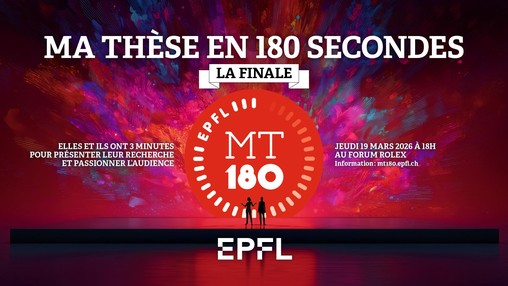
Final of the EPFL competition "My Thesis in 180 seconds"
Speaker: MT180 Finalists
Location: Forum RLC
Category: Public Science Events
Target audience: General public

Ig Nobel Award Tour Show 2026
Speaker: Marc Abraham, Mariska Kret, Marcin Zajenkowski, and Chris McManus
Location: Forum Rolex
Category: Public Science Events
Target audience: General public

Startup Champions Seed Night 2026
Location: RLC E1 240
Category: Conferences – Seminars
Target audience: General public
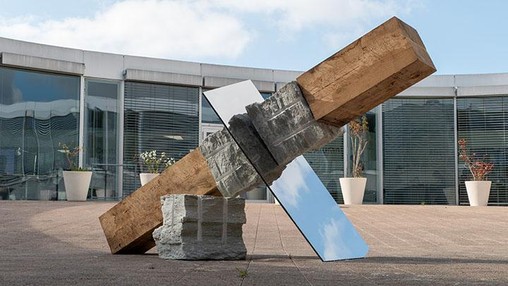

Call for participation in DÆNCITY 2026, an artist residency for the EPFL community
Speaker: Simona Ferrar, Prof. Simon Henein, Performance Lighthouse (EPFL)
Location: Sévelin36 et campus EPFL
Category: Cultural events
Target audience: General public
Genome Organization: Integrating Mathematics, Physics and Computation for Advances in Biology and Medicine
Location: BCH 2103
Category: Conferences – Seminars
Target audience: Informed public
Coding Club for Girls in Schaffhausen
Location: go tec! Labor, Neuhausen am Rheinfall
Category: Sciences Activities for Youth
Target audience: General public