
Virtual Desktop Infrastructure Platform
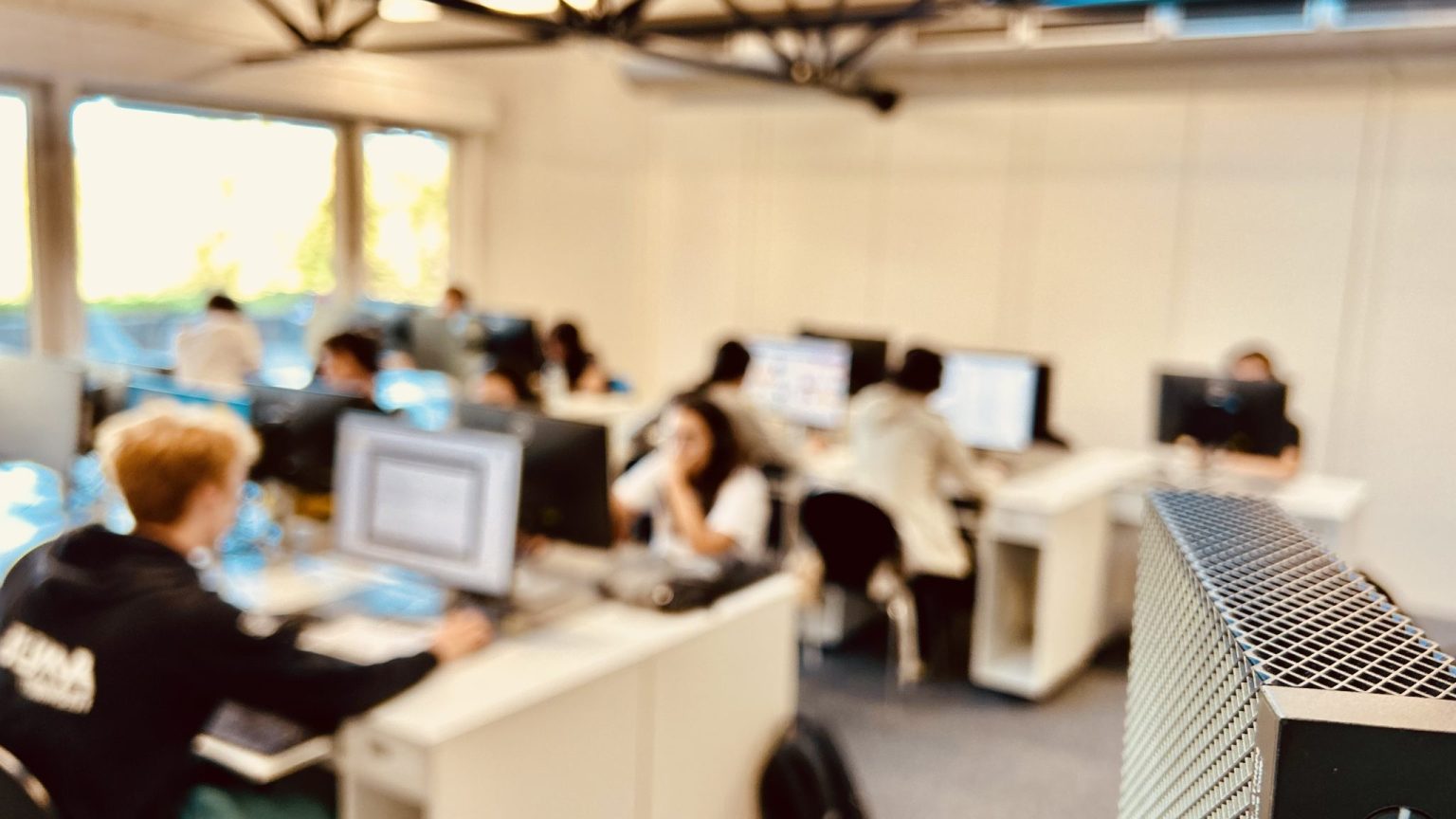
VDI – Students in classroom with thin client
The Virtual Desktop Infrastructure Platform provides remote access to virtual desktops (Windows / Linux) for education in areas such as data science, IT, networking, biology, architecture and more, supporting everything from student courses & exercises to exams, plus special events.
The VDI Platform has been a free academic service offered by DSI to EPFL users since 2016 and managed by an expert team.
What do we deliver?
- Access 24/7, anywhere: Work remotely anytime on custom Linux and Windows virtual operating systems with business applications for teaching.
- Access via Horizon Client on your BYOD (preferred).
- Web browser https://vdi.epfl.ch.
- Or on the Thin Clients in IT Classrooms.
- Focus on teaching, not troubleshooting.
- No more hardware, software, compatibility or performance issues on students’ BYOD. You need no configuration, licensing, or special requirements to access course applications on the VDI.
- No more hardware, software, compatibility or performance issues on students’ BYOD. You need no configuration, licensing, or special requirements to access course applications on the VDI.
- NVIDIA-accelerated graphics [GPU]
- Desktop-like experience, lag-free with pixel-perfect support for up to three 4K displays.
- Support for compute-intensive 3D simulations and ML/AI inference for educational purposes only.
Some Examples
For Teachers
- Multipurpose VM for course-oriented applications like CATIA, Ansys, Cinema 4D, Rhino, Blender etc…
- Exams VM: Virtual Machines with special configuration tailored made for your security requirements (AI blocking, Internet blocking, etc…).
Used with Thin Clients, this provides a 100% secure environment with built-in anti-cheating policies and rules.
For Students
- Multipurpose VM with instant access / anywhere to a remote virtual desktop with all required applications, API & plugins configurations.
Avoid compatibility and performance issues, no matter what system you use. - Exams VM: Exams take place in a controlled environment. No configuration or troubleshooting time needed.
Security & Performance is consistent for every student.
FAQ
A pool is a group of virtual desktops (Windows or Linux) assigned to users as needed. Each user can have one or more Pools, depending on their courses. If don’t see the pool, please refer to the KBs.
The Virtual Desktop Infrastructure Platform is focused solely on education and delivers a full desktop-like experience. It cannot be used for research or commercial projects like other EPFL computing platforms.
Yes. The Virtual Desktop Infrastructure Platform can help address these common issues. Just ask your teacher whether the needed applications are already installed and request access, and you’ll be connected to your virtual learning environment in minutes.
NB Only the pool administrator can install applications on the virtual desktops. If something is missing, please contact your faculty’s pool administrator.
No. When you connect to the VDI, all application licenses are already included and managed by EPFL.
Horizon Client supports Windows, Linux, and macOS. For older systems, you can always use your Web browser to access it.
No. You don’t need to buy top-of-the-line BYOD devices. The client connection to VDI is hardware-agnostic, so the experience is the same for all users, helping reduce the digital divide.
For performance reasons, it is generally best to disable the EPFL VPN when connecting to VDI.
Even without a VPN, the connection is fully encrypted and securely handled by the VDI infrastructure from your client to your virtual desktop. For the best results, just make sure your network connection is stable.