
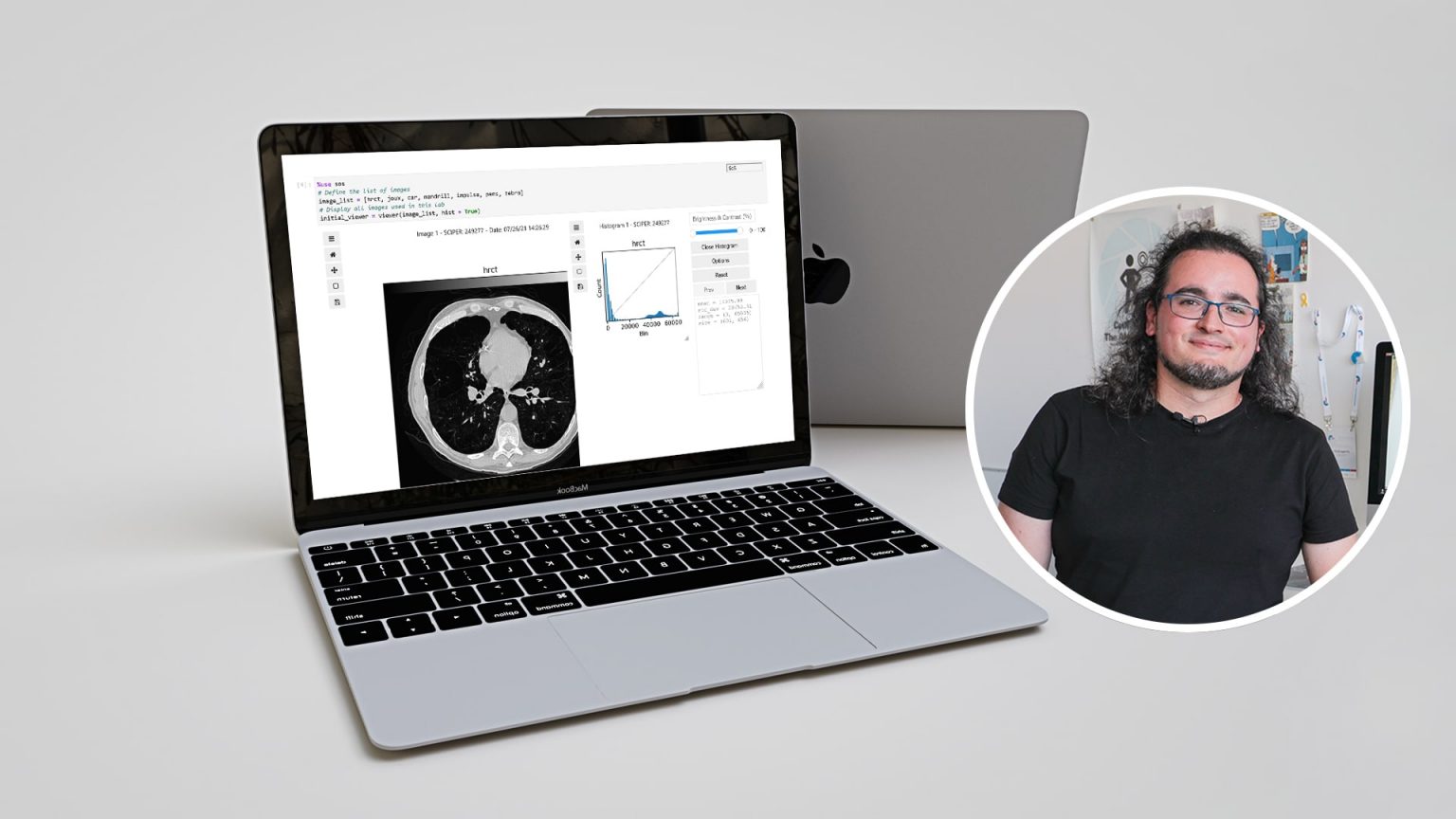
Pol del Aguila Pla, a research staff scientist at the CIBM Center for Biomedical Imaging and a postdoctoral researcher at the EPFL Biomedical Imaging Group, has developed Jupyter Notebooks for the practical sessions given as part of two Master’s-level courses in image processing. These interactive Notebooks incorporate useful automated suggestions to help students work through the exercises they have to complete.
EPFL professors Michaël Unser and Dimitri Van De Ville give two Master’s-level classes in image processing – Image Processing I and II – which include both theoretical and practical content. Prior to the fall of 2020, each practical session required computer rooms for some 250 students along with important software infrastructure. But today, the sessions are given with Jupyter Notebooks – online resources that can be accessed remotely from any computer. Students can simply log into noto, the EPFL centralized JupyterLab platform for education, from their browsers. “We had already planned to modernize the practical sessions, and the pandemic sped up the process,” says Pol del Aguila Pla. “It forced us to hold the sessions remotely.”
Automated feedback and grading
The notebooks have been developed by two student-assistants under the direction of Pol del Aguila Pla thanks to the DRIL (Digital Resources for Instruction and Learning) fund of the EPFL. The group based their work on the computer exercises created previously by Daniel Sage, a biomedical imaging engineer who has been teaching image processing sessions at the EPFL for over 20 years. They developed 15 notebooks that provide students with interactive exercises of different levels, helping them to better understand the mathematical concepts behind image-processing algorithms. Students receive guidance for entering their code and testing the algorithms on images in real-world conditions, along with automatic suggestions based on the answers they provide. The aim is to help students work through problems on their own without giving them the solutions. Once students have completed a Notebook, their work is graded automatically and they receive not only a grade but also automated personalized feedback.
Learn how to design assignments in Jupyter notebooks
“Designing these Notebooks was a lot of work,” says Pol del Aguila Pla. “We had to develop three open-source libraries ourselves: one for interactive displays of images and signals, one for image-processing code, and one for automatically grading the exercises, carrying out anti-plagiarism checks and running what we call ‘sanity checks,’ or suggestions that students receive to help them get past the difficulties they face.” In order to create the sanity checks, the group had to consider all the potential difficulties that students could encounter during the exercises – and find all the potential responses.
“I found that programming the automated sanity checks was the most challenging part,” says Kay Lächler, a Master’s student in electrical engineering and one of the student-assistants who developed the Notebooks. “We had to design them in a way that would help the students but without making the solutions obvious.” The developers had to find the right balance, using language that would resonate with the students and sometimes adding a touch of humor to their suggestions. “Another challenge we faced was making sure the Notebooks were coherent and that the exercises were gradual in difficulty”, adds Alejandro Noguerón Arámburu, a Master’s student in microengineering who worked alongside Lächler.
Long-term support
The Notebooks include exercises in both Python and JavaScript, with code that students are asked to complete so that various image-processing operations can be executed correctly. Whereas students previously would have had to work on the exercises during three hours of on-campus sessions, they now have a week to complete them and can chip away at their own convenience. In addition to the automated suggestions that they can use as they work on the exercises, students also received assistance during two one-hour help sessions each week.
“The Notebooks are really helpful because we can put the theory we learn in class into practice,” says Célina Chkroun, a Master’s student in life sciences engineering. “They help us better understand abstract mathematical concepts. I think the Notebooks will be really useful for me in the future – I will definitely use them again.” Ester Simkova, a fellow Master’s student in life sciences engineering, agrees: “I’ve already found the Notebooks really useful for other lab exercises. I really like that they’re interactive, and being able to visually see the results of my coding helps me learn.”
Continuous improvement
Lächler, who himself took the image-processing classes, thinks that having more time to complete the practical exercises – as well as receiving personalized suggestions along the way – enables students to explore concepts in greater depth. Noguerón Arámburu believes that another advantage is learning how to code in Python and JavaScript, which are widely used programming languages. “From the feedback that we’ve gotten so far, students seem pleased with the new format,” says del Aguila Pla. “But we’ve been using the Notebooks for only two semesters.”
Chkroun watched how the Notebooks evolved from the first semester to the second, and saw that students’ feedback was taken into account. “I noticed that improvements had been made. For example, in the first semester, students didn’t receive feedback with their grades,” she explains. “We’re really keen to take students’ feedback into account,” adds del Aguila Pla. “Actually, in many cases, we’ve already started working on an issue before it’s even raised by students.” The team has invested a considerable amount of time developing the Notebooks and they encourage anyone who would like to know more about them or the three open-source libraries to get in touch.
Author: Laureline Duvillard
Videos:
Libraries:
Other links:
Share on


Other stories
Structure modeling exercises
Guillaume Anciaux uses Jupyter Notebooks as exercise worksheets to help students learn about civil engineering.
Virtual demonstrations in physics
Virtual demonstrations help students visualize the different variables involved in experiments in Cécile Hébert’s Jupyter Notebooks.
Interactive signal processing textbook
Music is a central element in the interactive textbook designed by Paolo Prandoni to teach signal processing with Jupyter Notebooks.