
You will receive an invitation by email
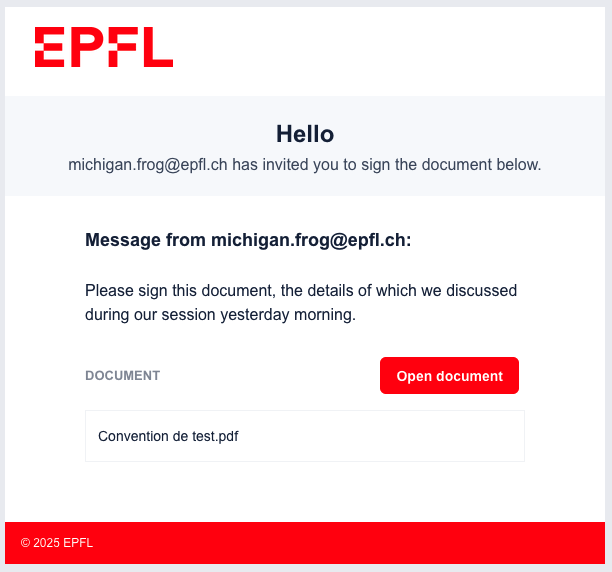
You will receive an invitation by email, inviting you to sign the document. Click on the Open Document button and you will be redirected to a web page displaying the document to be signed.
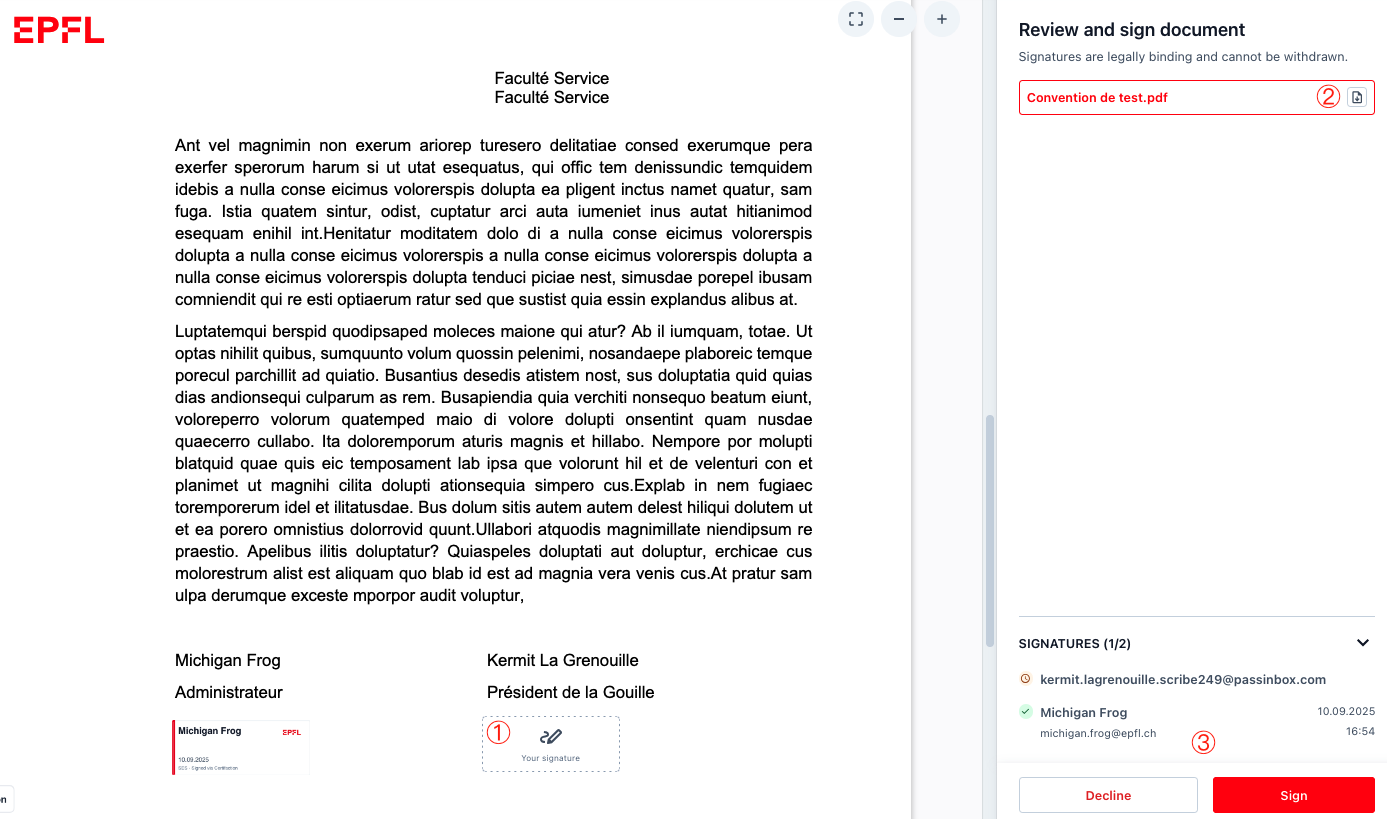
- To be able to sign the document, you must first
- review it, either by reading it directly on the displayed page or by downloading it.
- after that, you can either
DeclineorSignthe document by clicking the corresponding button.
By clicking on Sign, you will be prompted to provide your name
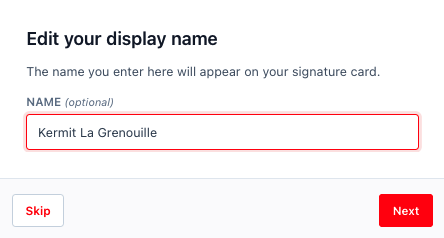
which will be used to complete the electronic signature field, and then by clicking the Next button.

You will be invited to confirm the signature and accept the terms of use of EPFL’s electronic signature solution provider by clicking the Confirm button.
The electronic signature tool will then generate an electronic certificate signed either by EPFL’s digital seal (simple signature) or by the individual’s seal (qualified signature), which will be attached to the document. This process takes a few seconds, after which you will see your electronic signature appear in the document.
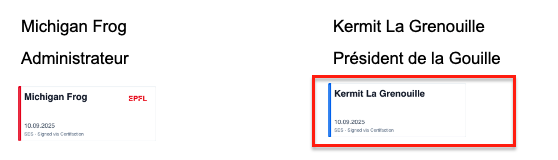
The signature field contains your name, the date of the signature, as well as the name of the electronic signature provider.